Internet of Things Examples at Home: Devices That Do Real Work
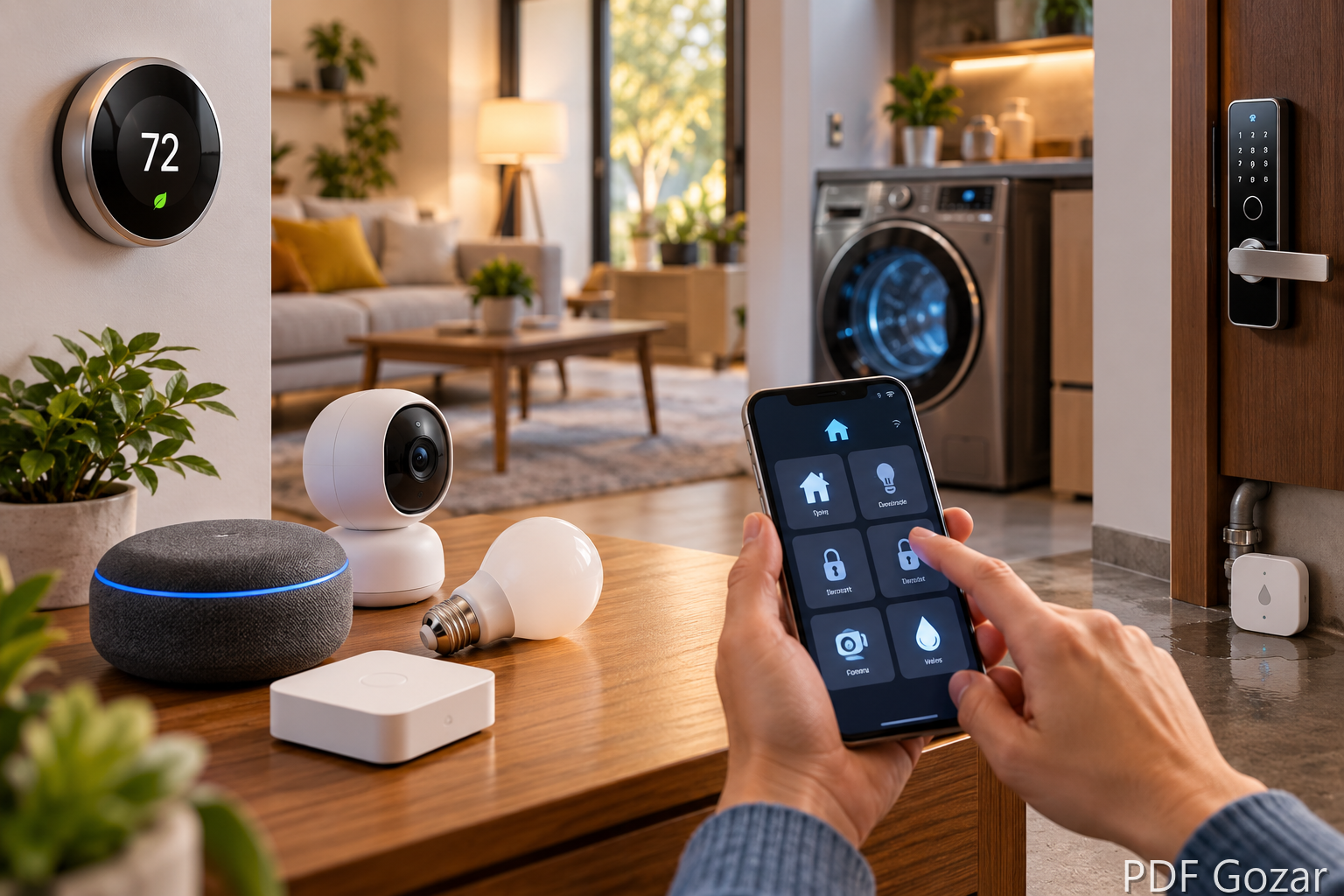
The internet of things is a network of ordinary objects that sense something, share it, and sometimes act on it. At home, that means a thermostat that knows the house is empty, a washer that texts you when the cycle ends, or a sensor under the sink that notices water before it reaches the hallway.
This guide stays with household examples. It covers what each device actually does, where people waste money, and how to keep manuals and warranties usable. Workplace, city, and medical examples are in the business guide and the cities, health, and cars guide.
What makes a home device “IoT”#
A smart plug is IoT. A lamp with a dimmer knob is not, unless that lamp reports its state or takes commands over a network.
A useful home device usually has four parts:
- A sensor or switch (temperature, motion, moisture, power use, a door contact)
- A radio (Wi-Fi, Thread, Zigbee, Z-Wave, or Bluetooth)
- A small computer that follows rules
- An app, hub, or voice assistant you can reach from outside the house
If the gadget only talks to a remote in the same room and never leaves that room, treat it as a remote-control product. Marketing still calls those “smart.” They will not show up in an away-from-home routine.
Thermostats and climate sensors#
A connected thermostat is the example most households feel in the power bill. Products in the Nest and Ecobee class learn a schedule, use occupancy or room sensors, and let you change the setpoint from a phone. Some utilities in the United States pay a bill credit if you let them briefly ease demand on hot afternoons. Read that program before you enroll. A few degrees for an hour is fine for many houses and miserable for others.
Room sensors matter more than the brand name. A single thermostat in the hallway will overcool a sunny office and underheat a back bedroom. Extra sensors, or smart vents used carefully, tell the system which rooms are actually in use.
Indoor air monitors are a quieter climate example. They track humidity, carbon dioxide, or fine particles and can trigger a bath fan or an air purifier. They do not replace a carbon monoxide alarm that is listed for life safety. Keep the certified alarm. Let the monitor handle comfort.
Lights, plugs, and shades#
Connected bulbs and switches are the easiest place to start because failure is annoying, not dangerous. A bulb such as a Philips Hue lamp changes color and brightness. A smart switch keeps a normal bulb and still works when a guest hits the wall plate.
Use switches on ceiling lights and porch lights. Use bulbs in lamps you already like. Use plugs for seasonal items: a holiday tree, a window fan, a coffee maker you want off when you leave.
Motorized shades are IoT when they follow sunrise, a temperature sensor, or a “movie” scene. They save more cooling energy on a west-facing window than a color-changing bulb ever will. They also cost more and need a clear path for the motor. Measure the window before you order.
Doors, cameras, and locks#
A video doorbell records motion at the entry and lets you talk to a delivery driver. A smart lock can issue a code for a dog walker and delete it on Friday. A contact sensor tells you a window is open. Together they are a security system only if the alerts reach you and you act on them.
Three limits show up in real houses:
- Wi-Fi cameras fail when the router is in the basement and the doorbell is on brick.
- Battery locks need a physical key backup. A dead battery on a travel day is a locksmith call.
- Shared clips and cloud storage are a privacy choice. Know who in the household can watch the feed, and whether the vendor keeps video after you cancel.
Local storage on a hub or a drive avoids a monthly camera fee. It also means a burglar who takes the recorder takes the evidence. Cloud storage has the opposite tradeoff.
Appliances, leaks, and power#
A connected washer or dryer reports cycle time, reminds you to clean a filter, and sometimes reorders detergent. A fridge can show the camera inside so you skip a grocery run. These features are convenient. They rarely change how well the machine washes or cools. Buy the appliance for the mechanical job. Treat the app as a bonus that should keep working if the company changes its cloud plan.
Leak sensors are the opposite. A $20 to $50 puck under a water heater, dishwasher, or supply line can save a floor. Some pair with an automatic shutoff valve. If you travel, that valve is worth more than a camera in the living room. Test the sensor with a damp cloth twice a year. Batteries die quietly.
Whole-home energy monitors clamp onto the electrical panel and show which circuits spike. They help you find a forgotten space heater or a well pump that short-cycles. They do not, by themselves, lower the bill. You still have to change the device that is drawing the power.
Voice hubs are not the gadgets#
A speaker that answers questions is a controller, not the internet of things by itself. It becomes useful when it can reach the lights, the lock, and the thermostat through a common standard. Matter is the current attempt to make brands share one language. Older Zigbee and Z-Wave gear often needs the hub it shipped with.
Before you buy a fourth brand, list what you already own and which app actually controls it. One hub with three reliable devices beats seven apps that each need their own login.
What to skip on the first pass#
Skip these until the basics work:
- A refrigerator screen you will not cook from
- “Smart” furniture with no clear sensor job
- A full-house voice install before the Wi-Fi is stable
- Anything that cannot be used with its buttons if the internet drops
A good first set is a thermostat, two or three light switches, one doorbell or lock, and leak sensors near water. Add cameras and shades after you know the network can carry them.
Paperwork that outlasts the app#
Home IoT gear comes with warranties, mounting templates, and privacy notices that are easy to lose in email. Download the PDFs, name them by room and device, and keep one folder. If a leak sensor saves a claim, the insurer will ask for dates and model numbers.
Large manuals are awkward to text to a contractor. You can compress the PDF before you send it, or merge several manuals into one house file. If you mark up a shutoff map or a guest-code policy, edit the PDF and store that version with the originals.
FAQ#
Is a smart TV an IoT device?#
It is a connected computer that happens to show video. It shares the same privacy issues, and it rarely senses the house or controls other objects. Do not count it as part of a home automation plan.
Do I need a professional installer?#
Thermostats, panel energy monitors, and hardwired shutoff valves are worth an electrician or a plumber. Bulbs, plugs, and battery sensors are normal DIY if you can join a Wi-Fi network.
What happens when the Wi-Fi fails?#
Well-built devices keep their last schedule and still respond to a wall switch or a key. Cloud-only locks and cameras do not. Ask that question before you pay.
Are these examples only for new houses?#
No. Renters usually start with bulbs, plugs, and battery sensors that leave no holes. Owners can add switches, thermostats, and shutoff valves.
Where to go next#
Pick one job: lower the cooling bill, stop a leak, or see the front door. Buy the device that does that job when the cloud is down, then add the app features you will actually open.
If you are comparing this with warehouses, farms, or stores, read IoT examples in business. If you want traffic lights, glucose monitors, and connected cars, read IoT examples in cities, health, and cars.