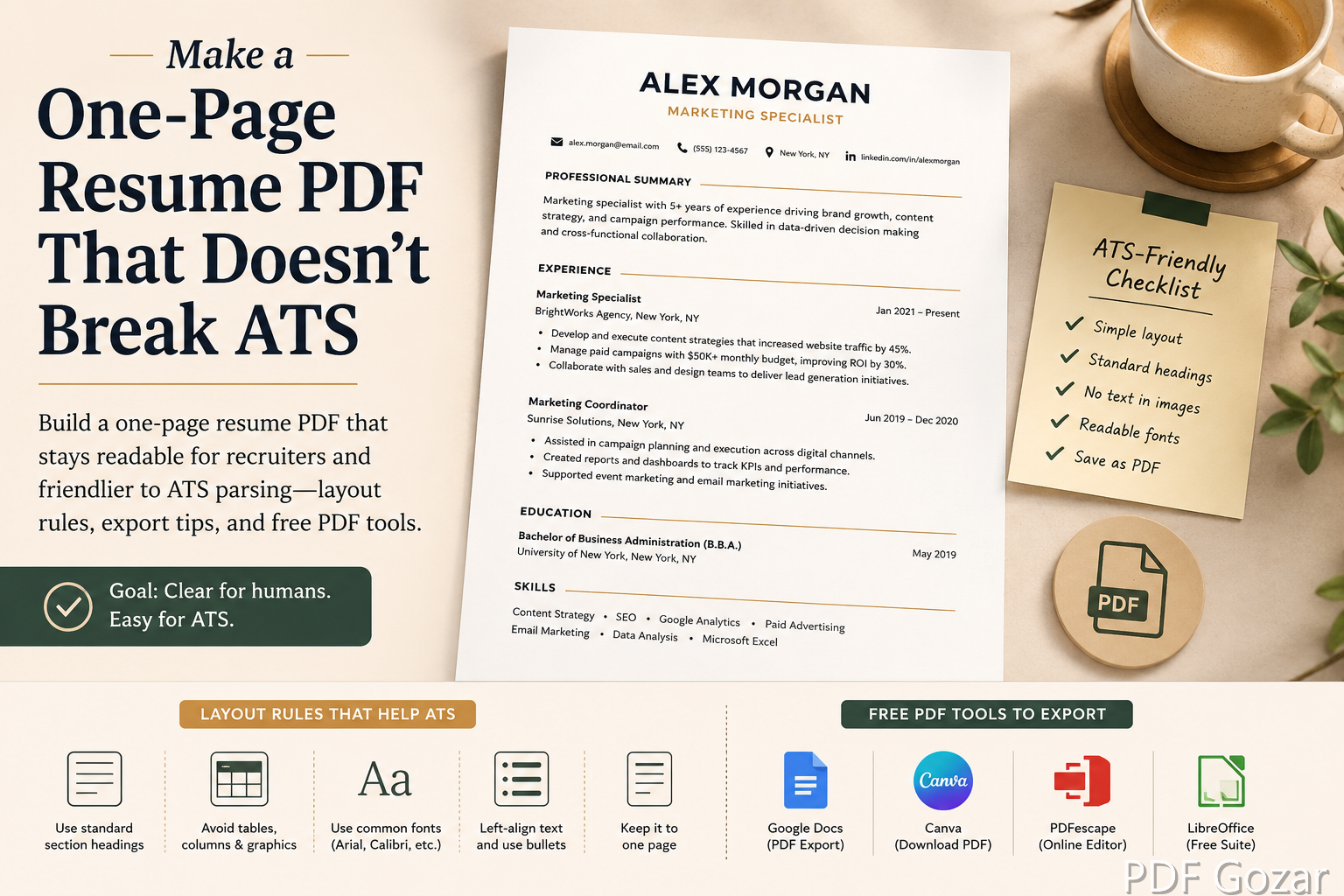
Make a One-Page Resume PDF That Doesn’t Break ATS#
US job applications often ask for a PDF resume. Recruiters skim one page on a phone. Applicant Tracking Systems (ATS) try to parse your name, email, and work history into fields. Fancy columns, text boxes, and graphics look sharp in Canva—and then scramble in the parser.
This guide focuses on a one-page, ATS-friendlier PDF: clean structure, sensible export, quick fixes with free tools, and tests you can run before you mass apply. It cannot guarantee every vendor’s ATS, but it avoids the most common failure modes.
What “ATS-Friendly” Really Means#
ATS software prefers:
- Standard section headings (Experience, Education, Skills)
- Normal left-to-right text, not text inside images
- Simple fonts
- Contact info as selectable text near the top
- Minimal tables and multi-column layouts
Humans still want:
- Clear hierarchy
- Proof you can do the job
- A file that opens without fonts missing
Optimize for both: boring structure, strong content. A parser that cannot find your email will not route you to a human who might love your design.
Write in a Word Processor First#
Draft in Google Docs or Microsoft Word—not in a poster tool—if you need ATS parsing.
- Use a single-column layout.
- Standard headings on their own lines.
- Bullets for accomplishments (metrics beat adjectives).
- Avoid headers/footers for your email (some parsers skip them)—put contact info in the body at the top.
- Skip photos, skill bars, and icons.
Target one page for early-career and most individual-contributor roles unless an industry norm says otherwise (some academic CVs differ). If you are mid-career with 15 years of depth, one page can still work for many IC roles—trim older bullets instead of shrinking font to 8pt.
Content that fits one page#
Lead with the last 7–10 years. Drop “References available upon request.” Combine thin roles into one line when needed. Use a short Skills line of real tools—not a rainbow of icon badges.
Export to PDF the Clean Way#
From Google Docs: File → Download → PDF Document.
From Word: Save As → PDF (or Export). Prefer “Standard” quality; avoid “print as image.”
Open the PDF and try to select your name with the cursor. If you cannot highlight text, the file is basically a picture—and ATS will struggle. Rebuild from the Doc, do not photograph the page.
If someone sends you a designed resume as images, you can archive pages with JPG to PDF, but that file is for humans and portfolios—not for Workday uploads.
Light Edits in the Browser#
Need a quick typo fix without reopening Word?
- Open Free PDF Editor.
- Fix the line carefully—match font size as best you can.
- Download and re-check selectable text.
For combining a resume + short portfolio one-pager for a human recruiter (not the ATS upload), use Merge PDF—but upload only the resume to ATS portals unless the posting asks for more. Huge combined packets also bounce from email; see How to Shrink a PDF Under 25MB for Gmail if you must send a portfolio pack.
Layout Rules That Save Parsers#
- Margins: at least ~0.5 inch so printers and parsers do not clip
- Fonts: Calibri, Arial, Garamond, Times—avoid decorative script
- Columns: if you must use two columns, keep critical contact + titles in a simple top block many parsers still read; test by copy-pasting the PDF text into Notepad
- Tables: skip for work history
- Links: one LinkedIn URL as plain text is fine; dozens of icons are not
- Dates: use a consistent format (e.g.,
Jan 2022 – Present) so parsers and humans both parse tenure
The plain-text paste test#
Copy all text from the PDF into Notepad or TextEdit. Read top to bottom. If Skills appear in the middle of a job description, your columns or text boxes are breaking reading order. Fix the Doc layout—do not keep polishing the PDF.
Filename and Submission#
Jordan-Lee-Resume-ProductManager.pdf
not ResumeFinalFINAL2.pdf
Match the job title variant only if you maintain multiple targeted resumes. Submit PDF when the form allows PDF; if it demands DOCX, send DOCX from your source file—do not convert a flattened image PDF back somehow.
Keep a folder per role family (PM/, Ops/) so you do not upload the wrong targeted PDF at 11 p.m.
Test Before You Mass Apply#
- Copy all text from the PDF into a plain text editor. Read the order—does Experience appear after a random sidebar of skills?
- Upload to a reputable ATS simulator if you use one, or apply to one less-critical role first and see if fields auto-fill.
- Email the PDF to yourself and open on mobile.
- Ask a friend to find your phone number in under five seconds.
If the text order is wrong, return to the Doc layout—do not keep polishing a broken PDF. If only one word is wrong, Edit PDF is enough; if the structure is wrong, rebuild.
When Design-Heavy Resumes Still Make Sense#
Creative roles sometimes want a designed PDF for humans after the ATS stage. Strategy:
- Keep an ATS-safe one-pager for portals
- Keep a designed PDF for referrals and portfolio sites
- Never assume the designed version parses
You can export a designed page to image for a portfolio site with PDF to JPG or PDF to PNG, while still sending the text PDF to Workday. If you need a single page from a multi-page leave-behind, Split PDF first.
Tailoring Without Breaking the Template#
Change bullets and the summary for each posting—not the entire layout. Save the master Doc. Export a fresh PDF per application so you never edit last week’s PDF into a Frankenstein file with mismatched fonts.
When a recruiter asks for “resume and a project one-pager,” send two attachments or one merge for humans only—still keep the ATS upload as resume alone.
Common Mistakes to Avoid#
- Saving a Canva design as a flat image PDF
- Putting contact info only in the header
- Using text boxes for every line
- Keyword-stuffing a skills cloud the parser cannot map to jobs
- Submitting a two-page file renamed as if it were one page with 0.2-inch margins
Checklist#
- One page (unless role needs more)
- Selectable text, not a scan
- Standard headings
- Contact info in body top
- Filename with your name
- Plain-text paste test passed
- Human skim on a phone looks clean
FAQ#
Are Canva resumes always bad for ATS?#
Not always, but multi-column Canva exports fail often. If you design in Canva, export and run the paste test. When in doubt, rebuild the ATS version in Docs.
Should I include a full address?#
City, State is enough for most US applications. Full street address is optional and increasingly omitted.
PDF/A or special PDF modes?#
Standard PDF from Docs/Word is enough. Exotic archival modes are unnecessary for job apps.
What if the portal mangles my PDF?#
Try DOCX if allowed. If only PDF works and fields stay empty, the recruiter may still open the attachment—keep the human layout excellent.
Do I need a cover letter PDF too?#
Only when asked. If you send both, name them clearly and do not merge them into the ATS resume upload unless the posting says to.
Is a photo on the resume helpful in the US?#
Usually skip it for corporate ATS roles. Photos can introduce bias concerns and parsing noise. Portfolio sites can show your face instead.
Next Step#
Finalize a single-column Doc, export to PDF, paste-test the text, and use Edit PDF only for tiny fixes. A clean one-page PDF gets you into the interview pile more often than a beautiful file the ATS cannot read.